> monitoring live threats

Practical cybersecurity tips for an AI‑driven threat landscape

FutureCyber breaks down breaches, emerging threats, and AI‑powered attacks into guidance you can actually use — whether you’re protecting a household or a career.

free_tools –cost=0

Free security tools, no signup

Everything here runs right in your browser — nothing is uploaded, stored, or sent to a server.

Live

Password strength checker

See exactly how strong your password is and how long it would take to crack — instantly, locally.

Coming soon

Password generator

Create a strong, random password you can actually trust — no reused patterns.

Coming soon

What is my IP address

Instantly see your public IP, location estimate, and ISP.

Coming soon

Wi‑Fi key generator

Generate a strong WPA2/WPA3-compatible key for your home router.

Coming soon

Cybersecurity quiz

Test how well you’d spot a real attack — share your score when you’re done.

Coming soon

Salary calculator

Estimate cybersecurity salaries by role, experience level, and location.

Coming soon

Hash generator

Generate MD5, SHA-1, and SHA-256 hashes for any text, right in your browser.

Coming soon

Phishing email checker

Paste suspicious email text and get a plain-language breakdown of red flags.

> essential_tips –priority=high

Essential security tips to stay protected

Six habits that stop the vast majority of real-world attacks — no technical background needed.

  1. 01

    Use a password manager

    One strong, unique password per account — generated and remembered for you, so reused passwords stop being a weak point.

  2. 02

    Turn on two-factor authentication everywhere

    Even if a password leaks, 2FA stops most account takeovers cold. Prioritize email, banking, and social accounts first.

  3. 03

    Keep software and firmware updated

    Most breaches exploit known, already-patched vulnerabilities. Turning on auto-updates closes that door automatically.

  4. 04

    Be skeptical of urgent messages

    Scams rely on urgency and fear to short-circuit judgment. Pause, verify through a separate channel, then act.

  5. 05

    Back up your data — the 3-2-1 way

    Three copies, two different storage types, one kept offline or off-site. Ransomware loses its leverage when backups exist.

  6. 06

    Lock down your social media privacy

    Public posts feed social engineering and account-recovery attacks. Review who can see your info at least twice a year.

> latest_intel –sort=recent

Fresh from the feed

New breach reports, practical safeguards, and AI-security analysis — updated as the threat landscape moves.

View all articles
> coverage_map –live

Threat categories in focus

Our editorial team tracks these categories daily, so the tips and news you read here stay ahead of what’s actually happening.

Ransomware AI deepfake fraud Phishing & smishing Credential stuffing Zero-day exploits Supply chain attacks IoT & botnet activity Social engineering Cloud misconfiguration AI model & prompt attacks

Secure the Future with Cyber Intelligence

FutureCyber.it is your trusted platform for cybersecurity insights, latest tech news, and future-driven digital protection strategies.

A dimly lit desk setup featuring a computer monitor displaying a document titled 'General Hardening Guideline'. The desk has a mechanical keyboard with blue and red keys, a lamp providing light on the right side, and various small items including notes pinned to the wall, a notebook, and a cup. There is a mesh office chair in front of the desk.
cybersecurity articles guides and tips 2026

Sections of Our Blog

Futurecyber.it is designed with a variety of sections tailored to meet the needs of our readers. Expect engaging articles that explore emerging trends in cybersecurity, spotlighting the latest best practices and pioneering technologies. Our blog will also feature comprehensive coverage of industry news to keep you informed about significant developments.

Powerful Cybersecurity Resources at Your Fingertips

Cybersecurity Guides

Learn essential techniques to protect your data, systems, and online identity.

Laptop keyboard with glowing digital padlock symbol representing cyber security and data protection
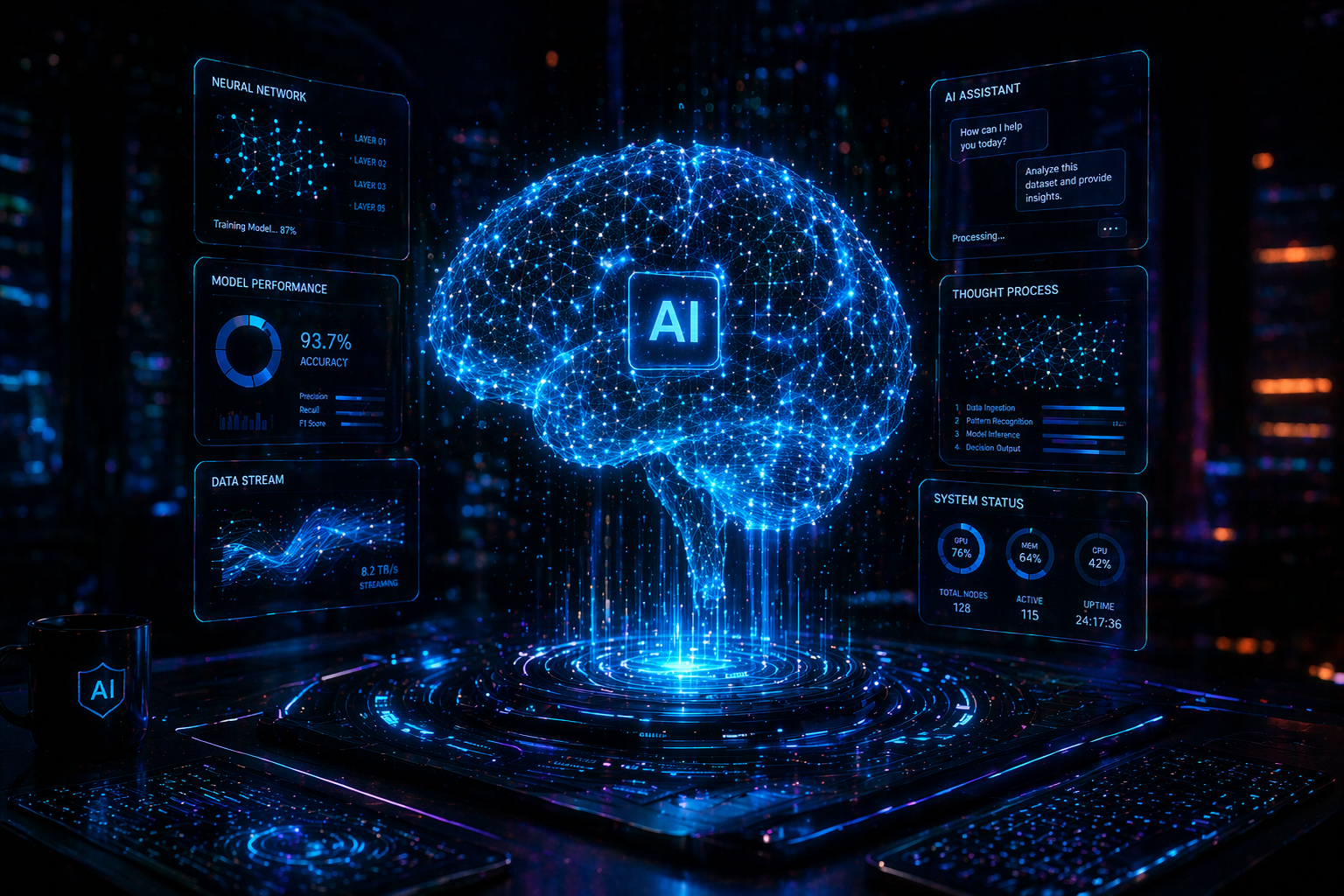
Glowing artificial intelligence brain with digital neural network connections in a futuristic environment

AI & Future Tech

Explore how artificial intelligence is shaping the future of cybersecurity.

Latest Cyber News​

Stay updated with breaking news, cyber attacks, and global security trends.

Top Insights & Featured Cyber Intelligence

Essential Security Tips to Stay Protected

Cybersecurity shield blocking digital attacks with glowing data streams and futuristic interface in a dark neon environment


Follow these simple steps to improve your online safety and protect your digital presence.

  • Use strong and unique passwords
  • Enable two-factor authentication (2FA)
  • Avoid clicking unknown links
  • Keep your software updated